Ransomware attacks are no longer isolated incidents—they're a persistent threat, especially for organizations relying on Microsoft 365. With 76% of businesses experiencing at least one ransomware attack in the past year, it's imperative to adopt robust cybersecurity measures to protect sensitive data and ensure business continuity.
Here are five essential strategies to bolster your Microsoft 365 environment against ransomware threats:
1. Embrace Zero Trust and Least Privilege Principles
The Zero Trust model operates on the premise of "never trust, always verify." Implementing this involves:
- Multi-Factor Authentication (MFA): Ensures that only authorized users access your systems.
- Conditional Access Policies: Grant access based on specific conditions, reducing unauthorized entry.
- Just-In-Time (JIT) and Just-Enough-Access (JEA): Limit user access rights to the minimum necessary, minimizing potential attack vectors.
By adopting these practices, organizations can significantly reduce the risk of unauthorized access and potential breaches.
2. Implement Regular and Immutable Backups
Regular backups are vital, but they must be immutable—unalterable and undeletable during a set retention period. This ensures that, even if ransomware encrypts your primary data, you can restore operations without paying a ransom. Given that 96% of ransomware attacks in 2024 targeted backup repositories, immutable backups are no longer optional.
3. Develop a Robust Incident Response Plan and Conduct Regular Audits
A well-structured incident response plan enables swift action during cyber incidents. Regular security audits help identify and address vulnerabilities within Microsoft 365 before attackers can exploit them. These audits should encompass:
- Penetration Testing: Simulate attacks to test defenses.
- User Permission Reviews: Ensure users have appropriate access levels.
- System Updates: Keep all systems and applications up-to-date to patch known vulnerabilities.
Proactive measures like these can significantly reduce the potential impact of a breach.
4. Enforce Software Restriction Policies and Continuous Monitoring
Controlling the execution of software on corporate systems minimizes the attack surface. Implementing Software Restriction Policies (SRPs) prevents unauthorized or malicious programs from running. Complementing SRPs with continuous monitoring and comprehensive logging allows for:
- Real-Time Alerts: Immediate notification of suspicious activities.
- Audit Trails: Detailed logs for post-incident analysis.
- Anomaly Detection: Identify unusual patterns that may indicate a breach.
These measures enable swift detection and response to potential threats.
5. Prioritize Data Protection and Encryption
Encrypting data both at rest and in transit ensures that, even if intercepted, the information remains unreadable to unauthorized users. In Microsoft 365, tools like Azure Information Protection can be utilized to:
- Apply Sensitivity Labels: Classify and protect data based on its sensitivity.
- Implement Data Loss Prevention (DLP) Policies: Prevent accidental or malicious data leaks.
By prioritizing data protection and encryption, organizations can safeguard sensitive information against potential breaches.
Strengthening Cyber Resilience with Cyber 2.0
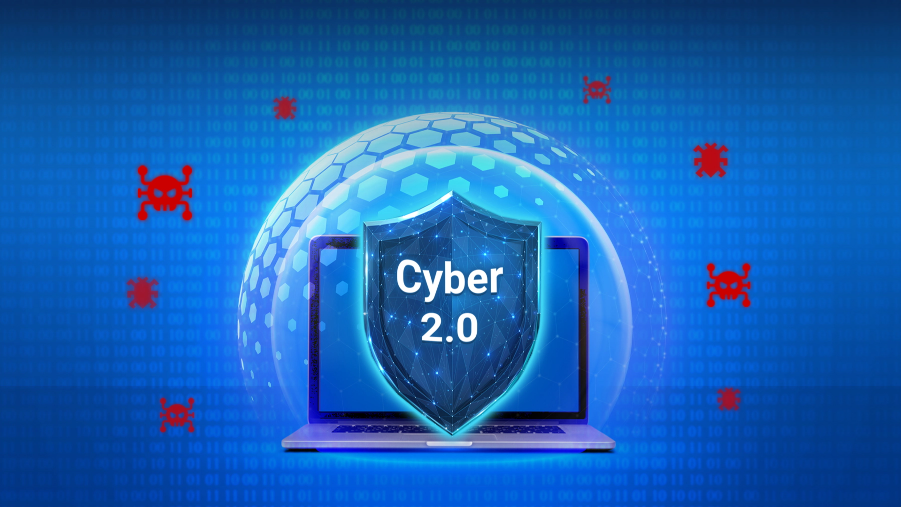
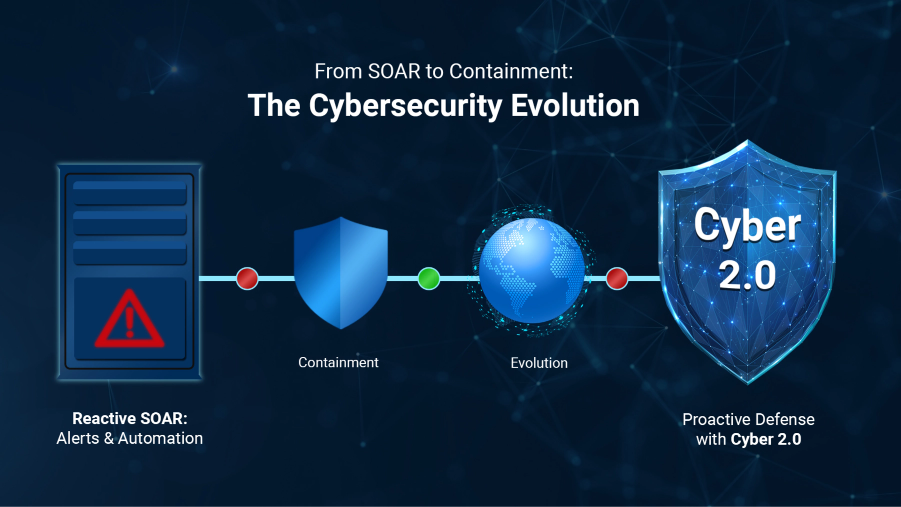
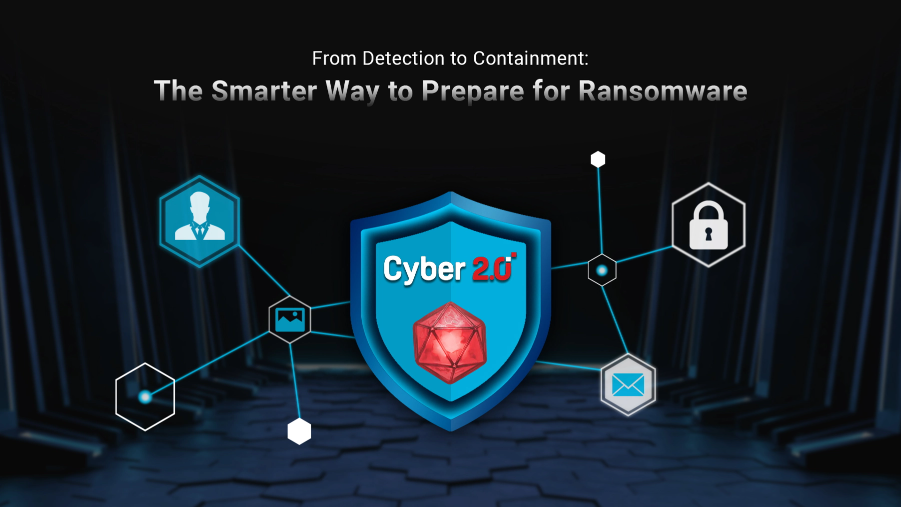
While Microsoft 365 offers robust security features, integrating advanced solutions like Cyber 2.0 can further enhance your organization's cyber resilience. Cyber 2.0's unique approach to cybersecurity ensures that even if an attacker breaches one part of your system, they cannot move laterally to access other areas. This containment strategy is crucial in preventing widespread damage from ransomware attacks.
Let’s Talk, If you want to explore how Bastion Inc. can help secure your organization with proactive, modern cybersecurity like Cyber 2.0—let’s connect.
📩 Send us a message or visit www.bastion.inc for more details.
📰 Stay informed in today’s fast-moving digital world—You can join our Viber community by clicking the link or scanning the QR code below!
https://tinyurl.com/BASTIONCYBERCONNECT